
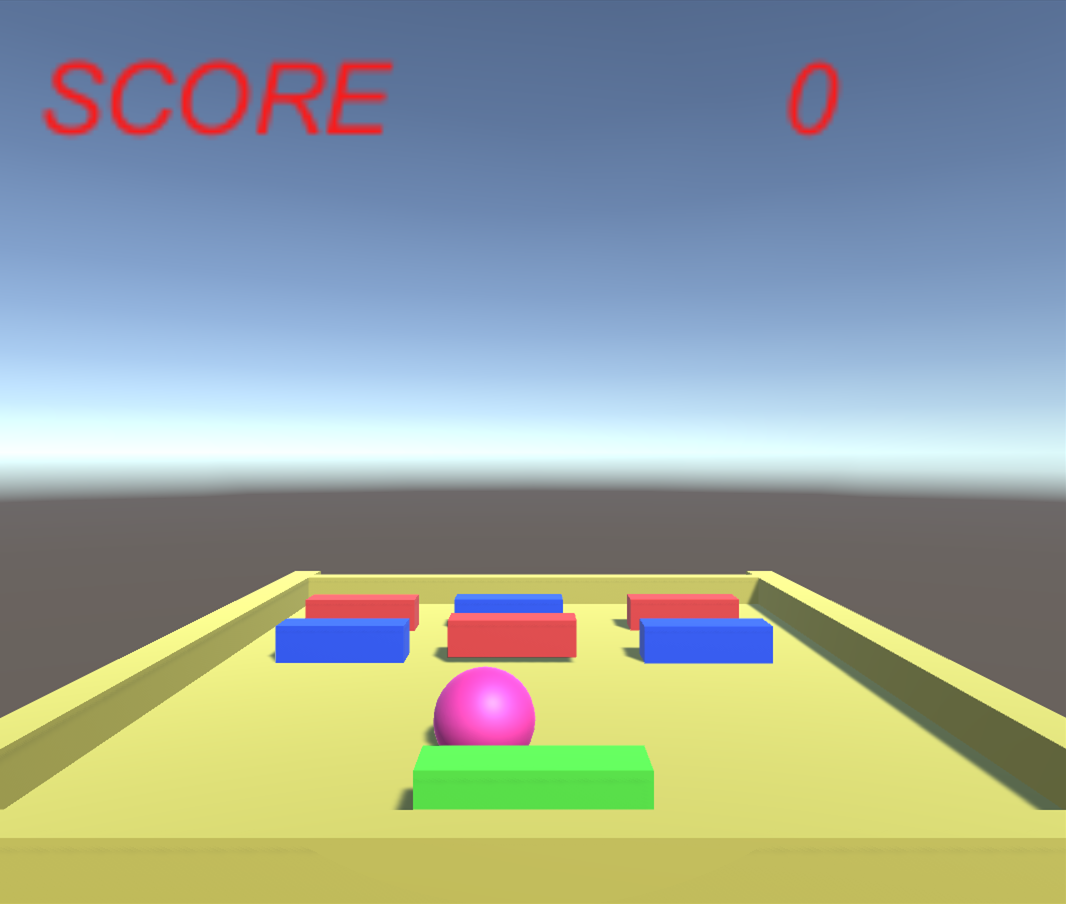
切り替えたいシーンを「build settings」に登録
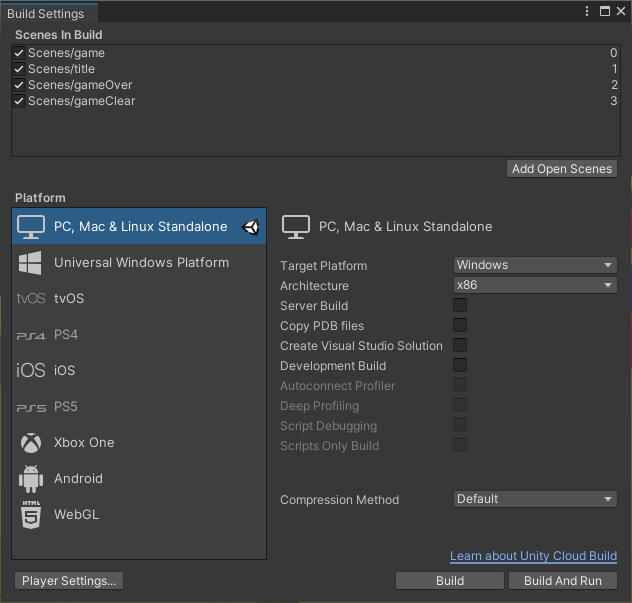
using UnityEngine.SceneManagement;を追加し、SceneManager.LoadScene(“切り替えたいシーン”);でシーンを切り替える。
using System.Collections;
using System.Collections.Generic;
using UnityEngine;
using UnityEngine.SceneManagement;  //シーン切替用
using UnityEngine.UI;               //スコア表示用UIの追加

public class gameManager : MonoBehaviour
{

    public block[] blocks;
    public ball ball = null;
    public Text scoreText = null;
    private int score;

    // Start is called before the first frame update
    void Start()
    {
        score = 0;
    }

    // Update is called once per frame
    void Update()
    {
        if(DestroyAllBlocks())
        {
            // ゲームクリア
            GameClear();
        }
        // スコアを表示
        scoreText.text = score.ToString();
    }

    private bool DestroyAllBlocks()
    {
        foreach( block b in blocks)
        {
            if(b != null)
            {
                return false;
            }
        }
        return true;
    }

    public int getScore()
    {
        return score;
    }

    public void setScore(int score)
    {
        this.score += score;
    }

    public void GameClear()
    {
        Debug.Log("ゲームクリア");
        SceneManager.LoadScene("gameClear");
    }

    public void GameOver()
    {
        Debug.Log("ゲームオーバー");
        SceneManager.LoadScene("gameOver");
    }

    public void GameRetry()
    {
        SceneManager.LoadScene("game");
    }
}
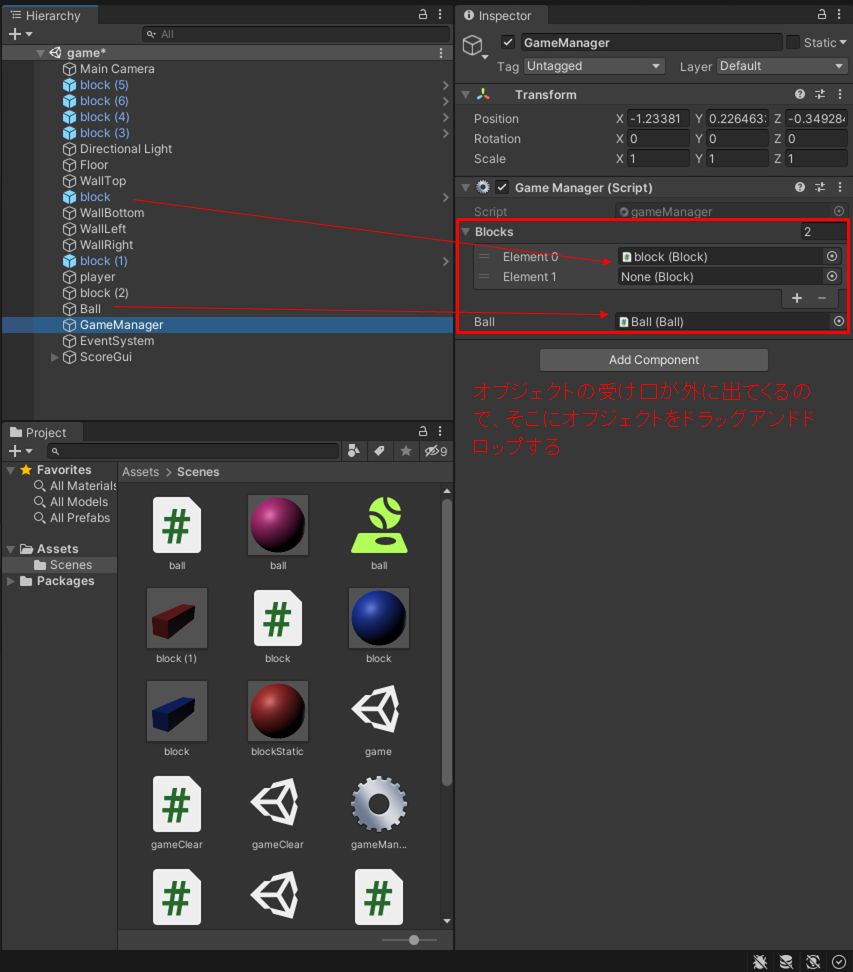

コメント